

 Chuck Lee

Issue introduction
Change the Email address.
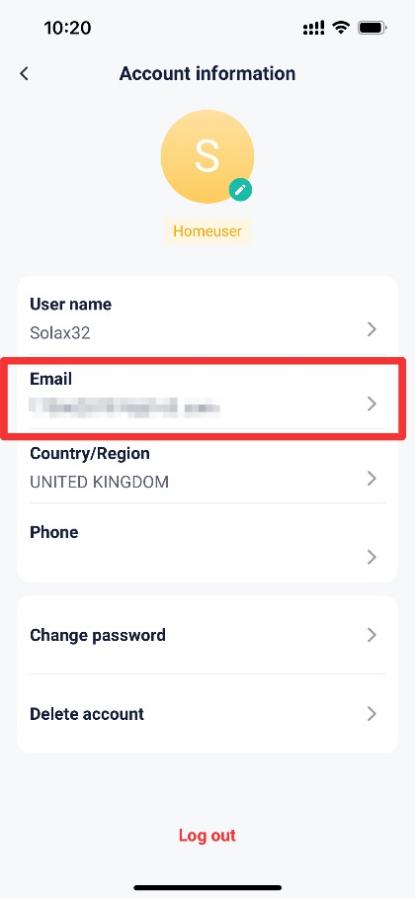
Operation guidance
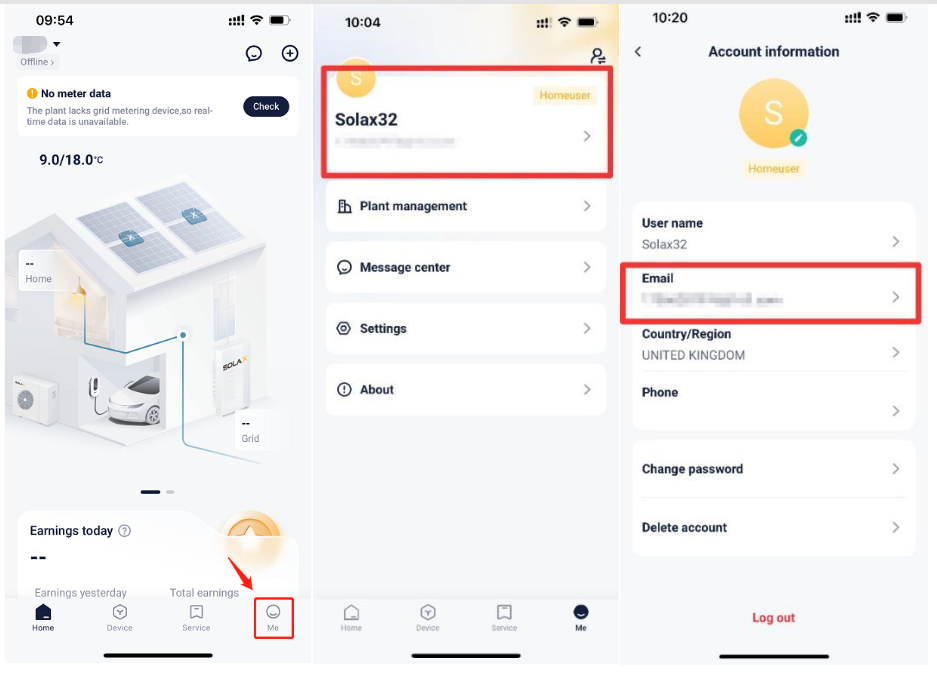
Step1: Go to <Email> to change the email address.
Setting path:Me→Account information→Email
Step2: Enter the password and the new email address, then get verification code and enter it.
Setting path:Password→New email address→Get verification code→Enter verification code

Please note
- If failed to receive the verification code, please double check the email address to ensure it is correct.
- If the setting fails, please check your mobile network, ensure a stable connection, log out of your account, and then log back in. Follow the steps above to make the changes.