Chuck Lee

FAQ\EVC
Issue introduction
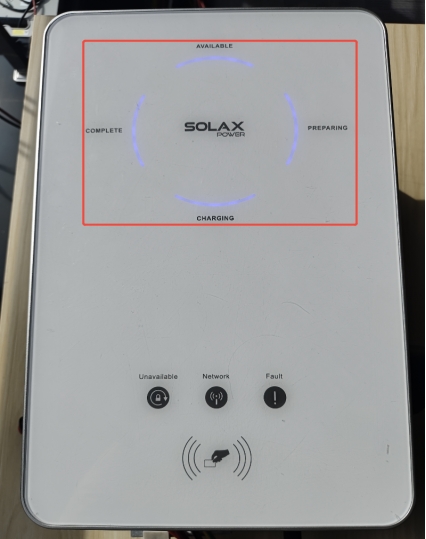
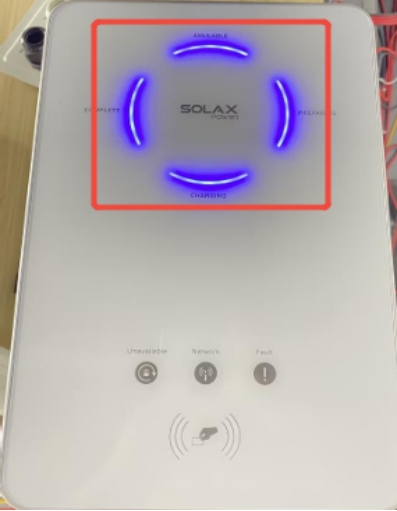
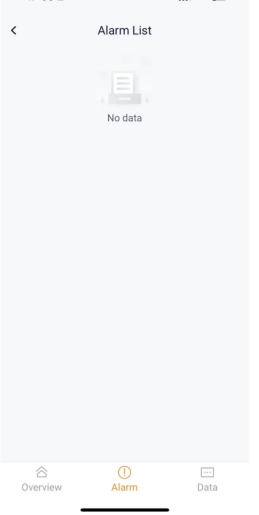
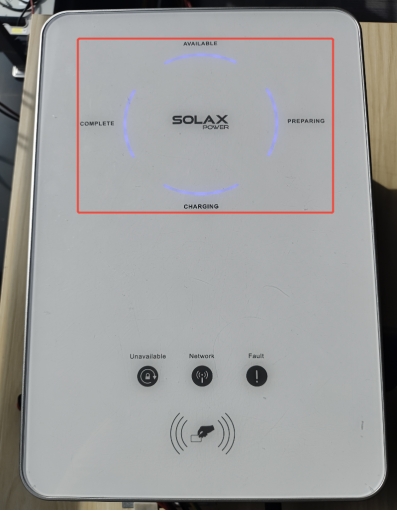
All EVC indicators are on but no error is reported.
 |
 |
Confirmation of basic information
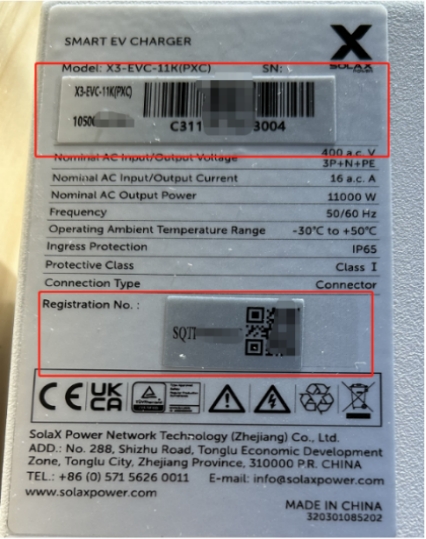
[Photo] SN number of the EVC.
Guidance for installer
Step 1: Contact the SolaX technical support team and ask them to send you the latest version of the firmware, with the file name containing 'ARM'.

Step 2:Create an 'upgrade' folder on the USB flash drive, then create an 'ARM' folder inside the 'upgrade' folder, and place the latest firmware version inside the 'ARM' folder.
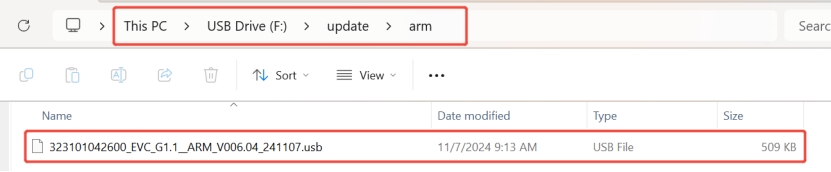
Step 3: Insert the USB flash drive into the USB port.
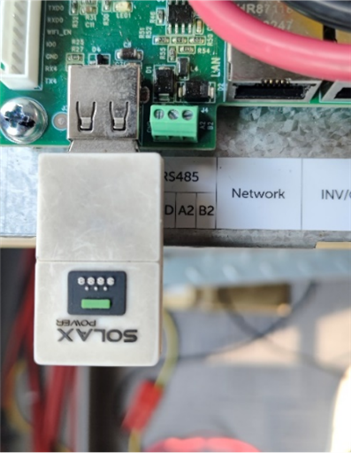
Wait a moment, and then all the indicators will flash once, which means the upgrade has begun.
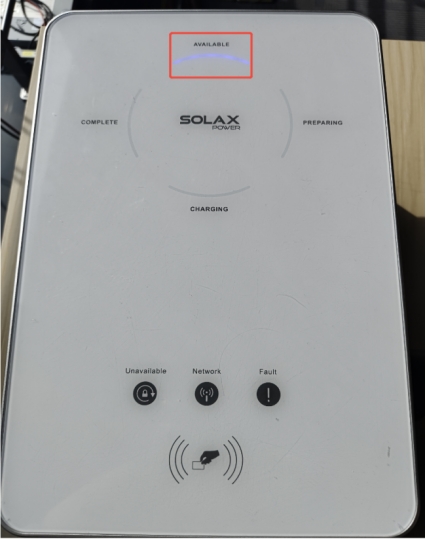
When only the Available indicator is still on, it means that the upgrade has completed successfully.
Information check list
If you have completed the above <Guidance for installer>, and the problem is still not solved, please collect the following troubleshooting information and send them to the Solax technical support team.
1. [Photo]EVC information including SN and registration numbers.
2.[Photo]The indicators of the EVC.