Chuck Lee

FAQ/BAT
Issue introduction
The inverter screen displays BMS Lost.
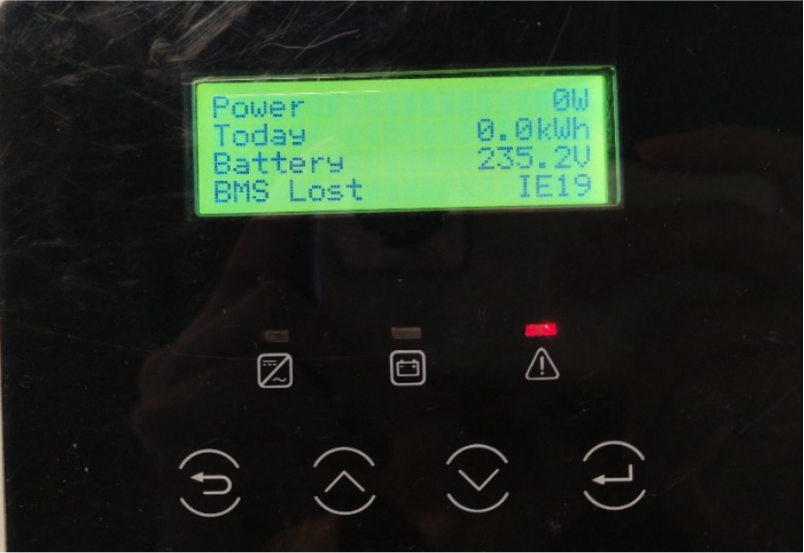
Confirmation of basic information
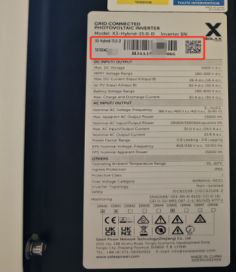
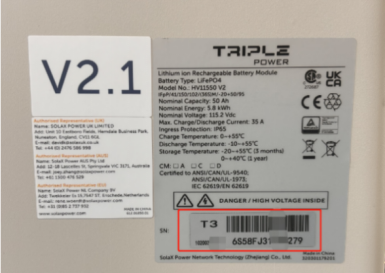
[Photo]SN number of the inverter and battery.
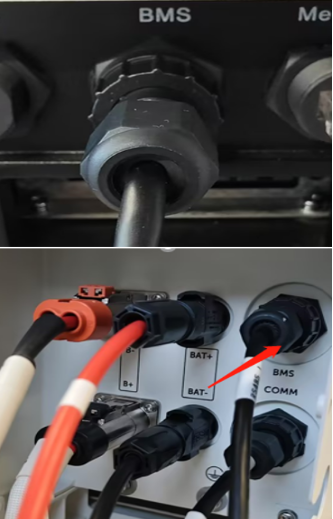
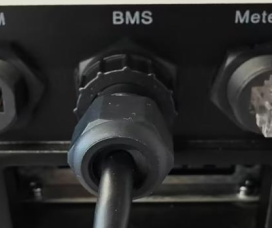
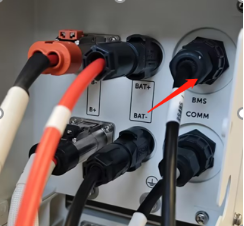
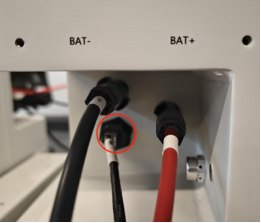
Ensure that the communication cable between the inverter and the BMS is connected correctly.
Guidance for installer
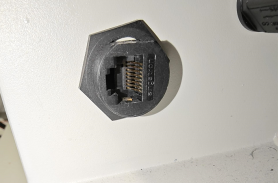
Step1.Check that there is no foreign matter in the BMS port of the inverter and the BMS. Reinsert the communication cable from the inverter to the BMS, if it still cannot work, replace the communication cable and try again.
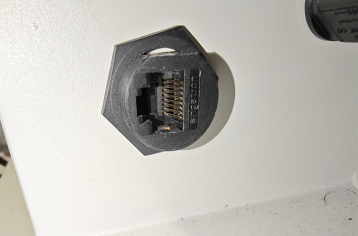
Step2.The following table shows how the communication cables are connected, taking T58 and T30 as example.
|
Take a T58 battery for example |
Take a T30 battery for example |
|
|
|
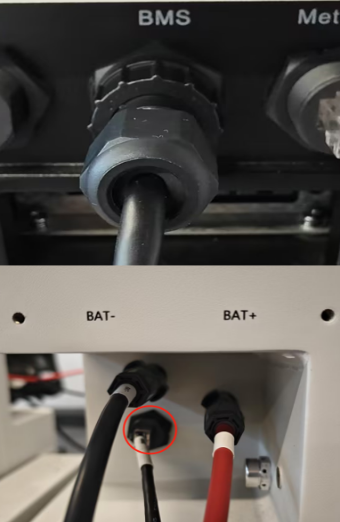
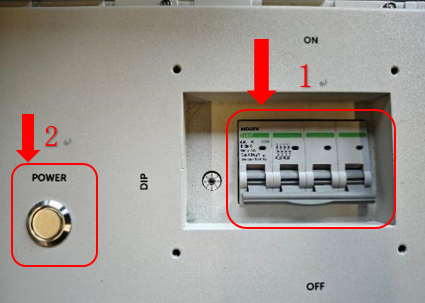
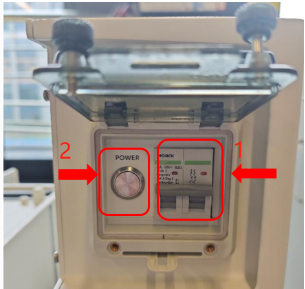
Step 3. Restart the battery as following chart.
|
Take a T58 battery for example |
Take a T30 battery for example |
|
1)Turn on the system by moving the circuit breaker switch to the on position; 2) Press the button.
|
|


Information check list :
If you have completed the above <Guidance for installer>, and the problem is still not solved, please collect the following troubleshooting information and send them to the Solax technical support team.
1.[Photo]SN number of the inverter and battery.
 |
 |
2.[Photo]Inverter and BMS communication line connection status.
 |
 |
 |
3.[Photo]Communication port.